
ChatGPT apps, Claude connectors and MCP servers
Get your app into ChatGPT and Claude
We turn your product or API into a ChatGPT app (what ChatGPT now lists as a plugin), a Claude connector and an MCP server that works in any AI assistant, and we take it through each directory's review. We have done it for our own products 27 times.
Get it built
What we build
ChatGPT apps and plugins
Your product inside ChatGPT, built on OpenAI's Apps SDK and the Model Context Protocol, and listed in the ChatGPT plugin directory.
Claude connectors
The same product in Claude's connector directory, so it works in claude.ai, Claude Desktop, the mobile apps and Claude Code.
MCP servers for your API
A remote MCP server in front of your existing API, with OAuth sign-in and scoped tools, usable from ChatGPT, Claude, Cursor, VS Code and other MCP clients.
Private connectors for your team
Connect an internal system, such as a call centre, CRM or database, to your company's ChatGPT or Claude workspace. Read-only by default, with an audit log.
Directory submission and review
Listing copy, test accounts, tool annotations and the back-and-forth with OpenAI and Anthropic reviewers until the listing is live.
Hosting and upkeep
We host and maintain the server for you in Canada, or set it up in your own cloud account, and keep it working as the platforms change their rules.
Why put your product inside ChatGPT and Claude
More and more people start their work in an AI assistant instead of a browser tab. A listing in the ChatGPT or Claude directory puts your product where they already are: they connect their own account once, then ask the assistant to read, create or update things in your product in plain language.
For an internal team, the same technology does a different job. A private connector lets staff ask questions about your own systems, prepare reports and spot exceptions without exporting data into spreadsheets first.
Proof: our own products are in both directories
Every listing below is one of our own products, built, submitted and maintained by our team. That is 14 plugins in ChatGPT and 13 connectors in Claude, each through the platform's own review.
Many agencies now list MCP as a service. Before you hire one, ask to see a server running in production. Ours are public, so you can open any of them and see the result.
How a connector project runs
You describe your product or system at /start. An engineer replies within one business day with a scoped plan. The main scope question is which parts of your API the assistant should see, because each part becomes a set of tools to design, secure and test.
From there we build the server, wire up sign-in, test it in the real ChatGPT and Claude clients, and prepare the listing. Most projects roll out in 3 to 4 weeks from the start, depending on scope. Directory review time is set by OpenAI and Anthropic, so we submit as early as the build allows.

What makes a connector pass review and stay useful
Reviewers check that every tool has a clear name and description, says whether it only reads or can change data, and asks for confirmation before anything destructive. They also need a privacy policy, a support contact and a working test account. We set all of this up from the first build, not after a rejection.
After launch, the work is keeping the connector useful: least-privilege scopes, sensible limits, logging that shows what the assistant did, and updates when OpenAI or Anthropic change their requirements.
Our listings in ChatGPT and Claude
Open any of them to see a connector we built and maintain. Each opens in the official directory.
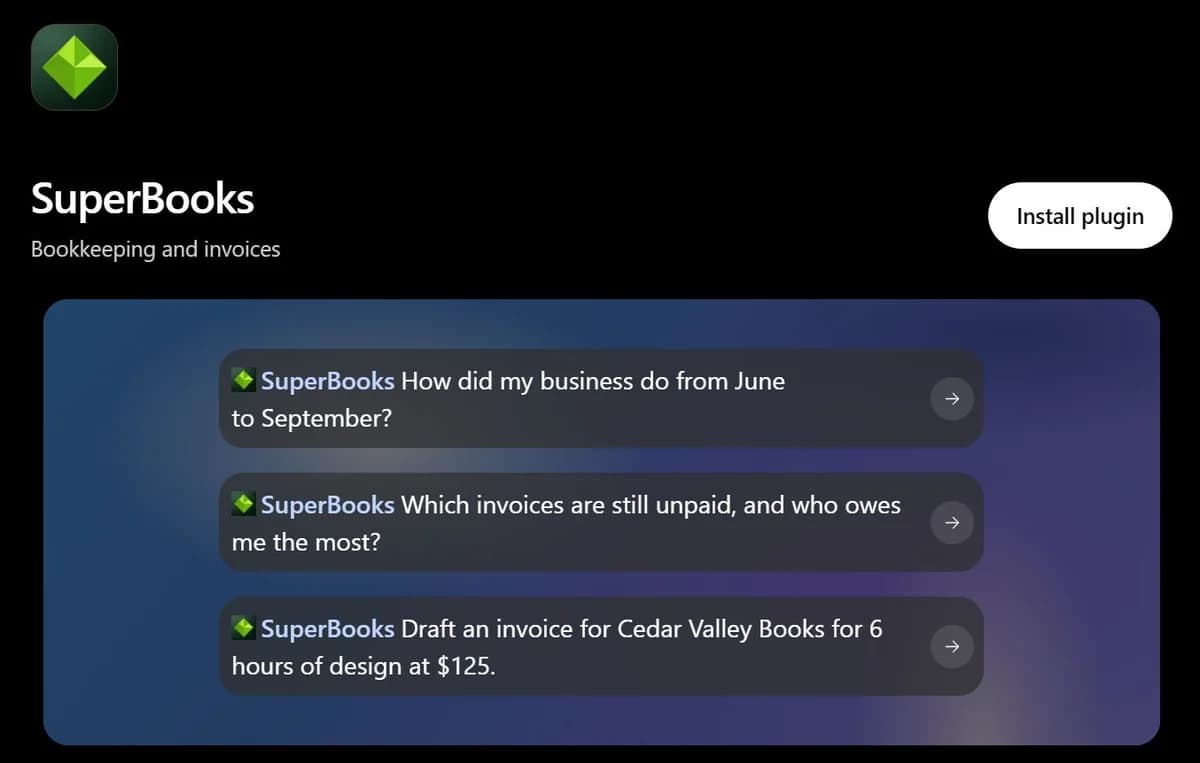
ChatGPT: 14 plugins
 SuperBooks in the ChatGPT directory (opens in a new tab)
 VoiceLabs in the ChatGPT directory (opens in a new tab)
 Sendly in the ChatGPT directory (opens in a new tab)
 Postify in the ChatGPT directory (opens in a new tab)
 GetItDone in the ChatGPT directory (opens in a new tab)
 Uptimely in the ChatGPT directory (opens in a new tab)
 Notifly in the ChatGPT directory (opens in a new tab)
 Caly in the ChatGPT directory (opens in a new tab)
 Shorty in the ChatGPT directory (opens in a new tab)
 DoDomain in the ChatGPT directory (opens in a new tab)
 Snapvisor in the ChatGPT directory (opens in a new tab)
 upAPI in the ChatGPT directory (opens in a new tab)
 BioFlow in the ChatGPT directory (opens in a new tab)
 uNotes in the ChatGPT directory (opens in a new tab)
Claude: 13 connectors
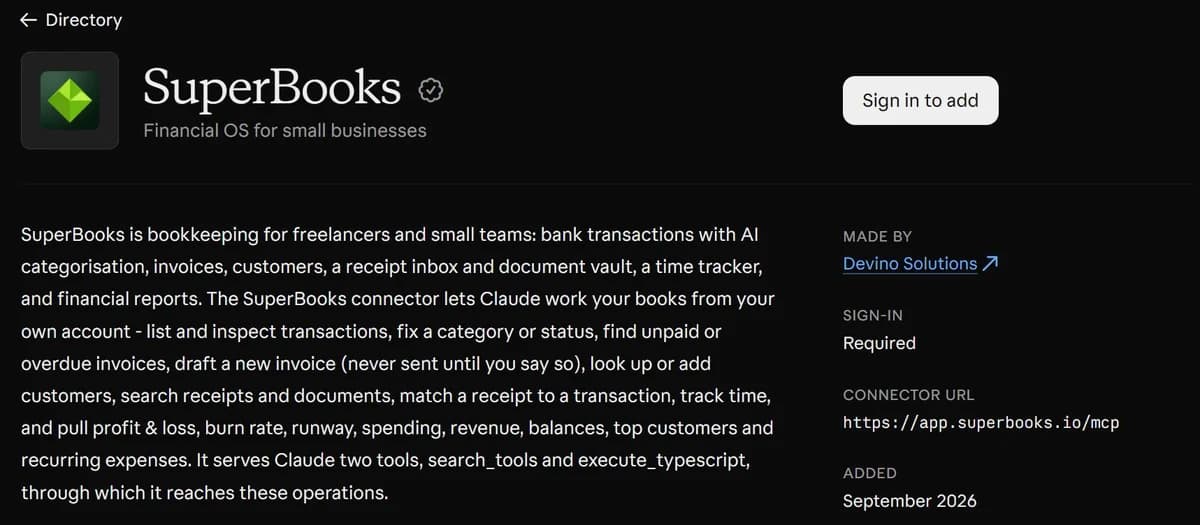
- SuperBooks in the Claude directory (opens in a new tab)
- Sendly in the Claude directory (opens in a new tab)
- Postify in the Claude directory (opens in a new tab)
- GetItDone in the Claude directory (opens in a new tab)
- Uptimely in the Claude directory (opens in a new tab)
- Notifly in the Claude directory (opens in a new tab)
- Caly in the Claude directory (opens in a new tab)
- Shorty in the Claude directory (opens in a new tab)
- DoDomain in the Claude directory (opens in a new tab)
- Snapvisor in the Claude directory (opens in a new tab)
- upAPI in the Claude directory (opens in a new tab)
- BioFlow in the Claude directory (opens in a new tab)
- uNotes in the Claude directory (opens in a new tab)
Case studies
GetItDone — a task manager your AI can actually see
An AI-native task manager where daily plans, stand-ups, tasks and time tracking live in one place, and AI agents get the same task context a person does.
SuperBooks — AI bookkeeping for small businesses
AI bookkeeping and accounting software that connects to your bank, categorizes each transaction and matches it to its receipt or invoice.
Postify — one post, tailored for each social platform
A social media scheduler: write a post once, tailor it per platform with an AI copilot, then schedule or publish it to your connected channels.
Frequently asked questions
What are you building?
Three minutes at /start: describe the project. An engineer replies with a scoped plan within one business day, not a sales call.
Get it built